House hunting spreadsheet or app: how to organise a search
A spreadsheet or an app can both keep a house search organised, if they track the right things. Here is what to record for every home, how to set up a spreadsheet, and what a good house hunting tool should do.
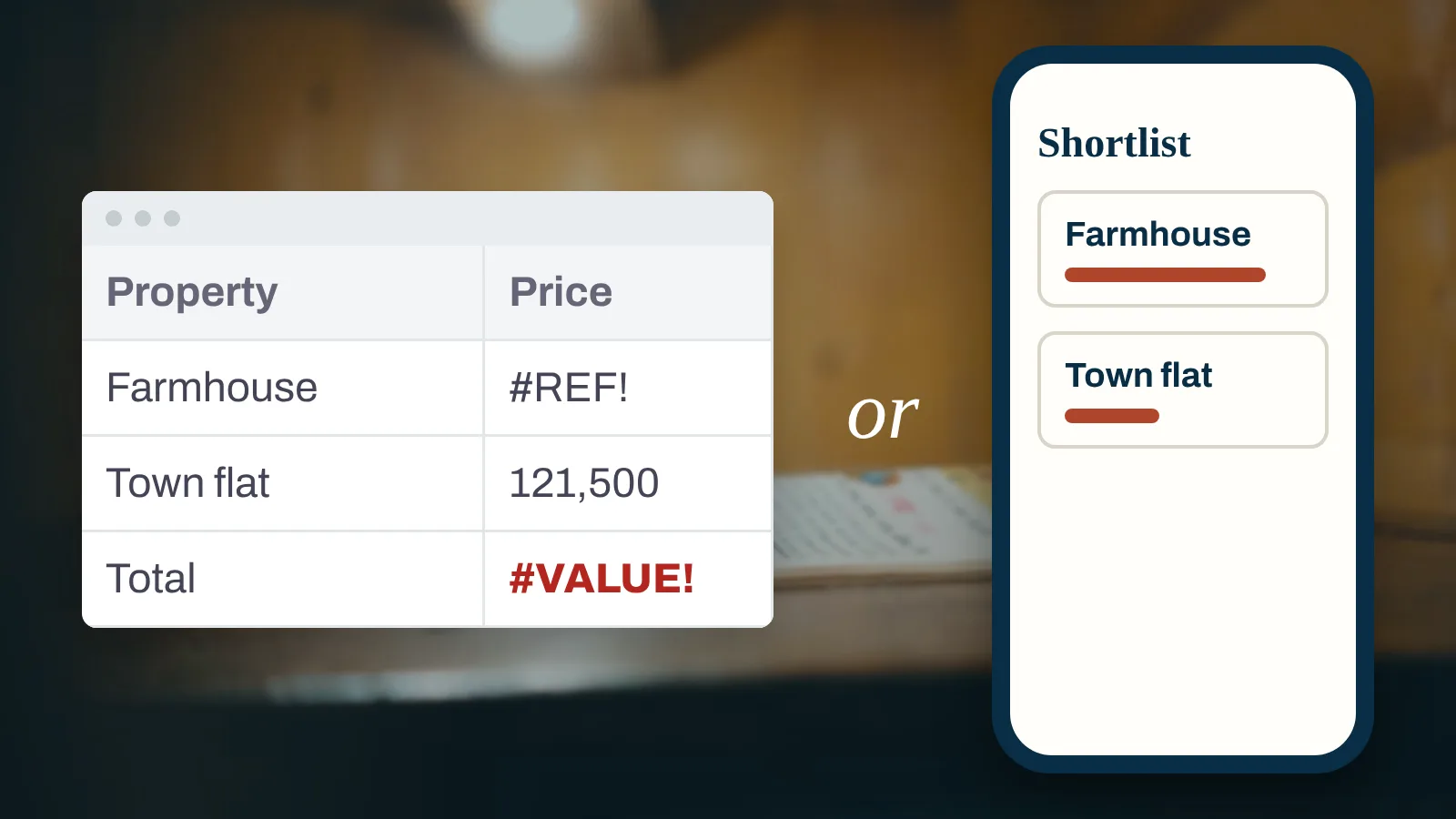
A house hunting app and a house hunting spreadsheet do the same job: keep every home you consider in one place, judged the same way.
For every home, track the full cost, how it meets your wish list, viewing notes and photos, and what is still unanswered.
A spreadsheet suits a short, simple search; an app tends to suit longer searches, viewings on a phone and searching with a partner.
A useful spreadsheet has three tabs: your wish list, the properties and the viewings.
Whatever you use, record every home the same way, so homes can be compared fairly.
A house hunting app and a house hunting spreadsheet do the same job: they keep every home you consider in one place, judged the same way. Track its full cost, how it meets your wish list, viewing notes and photos, and open questions. A spreadsheet suits a short search; an app suits longer searches and searching with a partner.
This guide covers what to track, how to set up a spreadsheet, and what to look for if you choose a house hunting app.
Why a house search needs a system
Saved listings, screenshots, notes on your phone, emails from agents and a partner's opinions in a message thread: after a few weekends of viewings, the details blur. Was it the second house or the third that had damp in the back bedroom? Which one had the long commute?
A system fixes three problems:
Memory. Viewings run together. Notes written on the day do not.
Comparison. Homes can only be compared fairly if each is judged against the same list.
Cost. The asking price is only part of what a home will cost: add the survey, legal fees, any tax on the purchase, moving and the work the house needs, as our guide to the costs of buying a house explains.
What to track for every home
Whatever you use, record the same fields for every property:
Field
Why it matters
Address and listing link
Listings change or disappear
Asking price
The starting point, not the total
Estimated buying costs
Tax, legal fees, survey, moving
Work needed and a rough cost
A cheaper house can cost more once work is added
Running costs
Energy rating, council tax band, service charges
Score against each must-have
Keeps the comparison honest
Viewing date and who went
So you know whose notes are whose
Notes and photos
Taken on the day, room by room
Red flags
Damp, cracks, roof, boundaries, anything to check
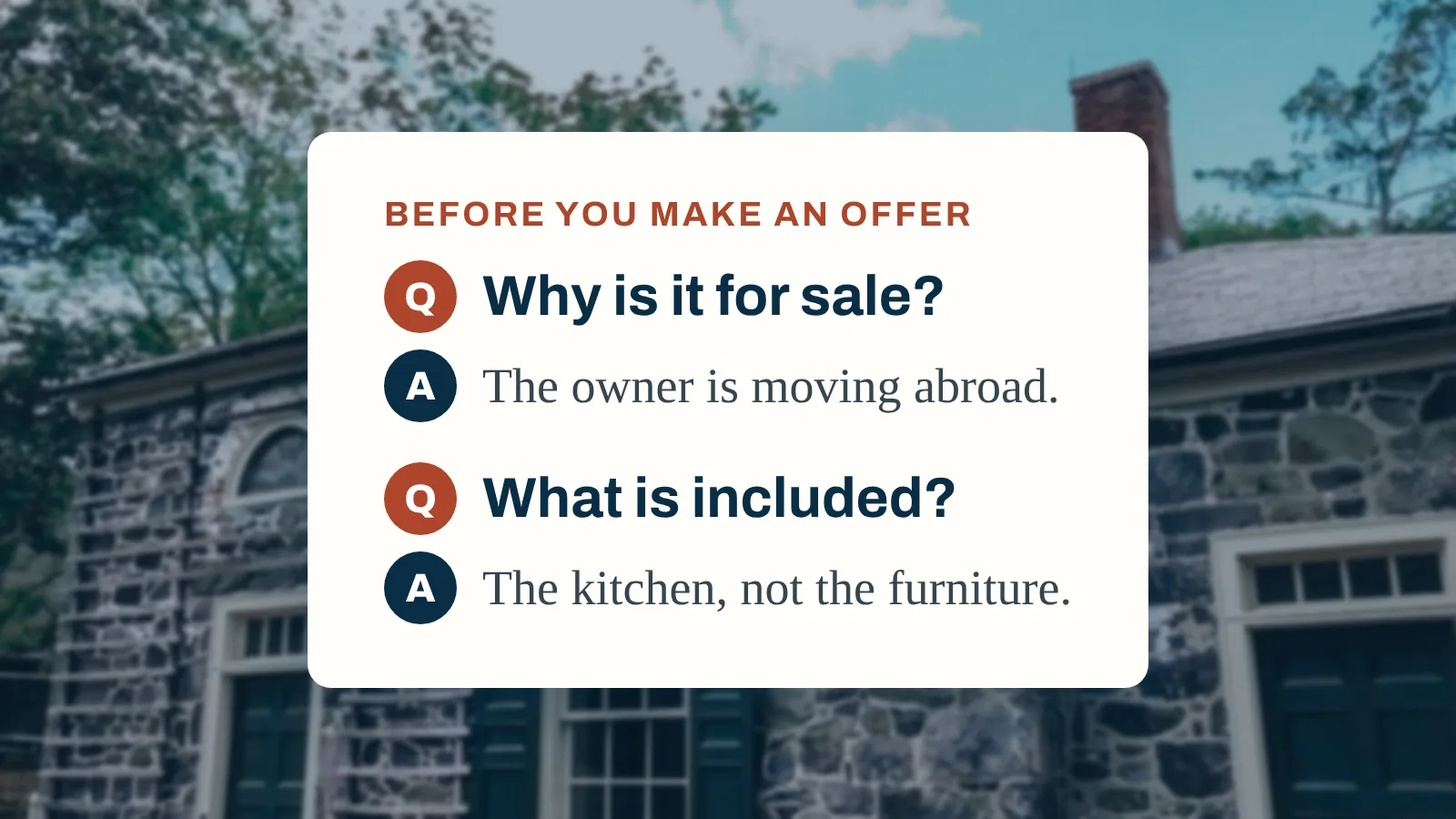
Questions for the agent
And the answers, with dates
Status and next step
Shortlisted, second viewing, ruled out, offer
Tip
Write down why you ruled a home out. Over a long search, the reasons you say no tell you more about what you want than the homes you like.
How to set up a house hunting spreadsheet
A simple spreadsheet needs three tabs.
Tab 1: your wish list
List your priorities in two groups:
Must-haves. Things you will not compromise on, such as bedrooms, location or garden.
Nice-to-haves. Things that would tip a close decision.
Score every home against each must-have in the same way: met, not met or unknown. An unknown is a question to answer, not a pass. Our guide to comparing properties with priorities shows how to score homes against them.
Tab 2: the properties
One row per home, with the fields from the table above as columns. Add a column for each must-have, marked met, not met or unknown, a count of the must-haves met, and a total cost column that adds the buying costs and the rough cost of work to the asking price.
Tab 3: viewings
One row per viewing, linked to the property, with the date, who went, your notes and a link to the photos. Our list of questions to ask when viewing a house gives you the notes to take.
Watch out
Spreadsheets break quietly. A formula copied into the wrong row, two versions saved by two people, or photos kept in a separate folder that nobody can match to the right house. If you share a spreadsheet, agree who updates it and when.
Spreadsheet or app: how to choose
Question
Spreadsheet
House hunting app
Short search, a handful of homes
Works well
Works well
Notes and photos during a viewing on a phone
Awkward
Usually easier
Searching with a partner or family
Risk of versions
Shared list
Full cost of each home, not just price
You build the formulas
Look for it built in
Scoring against a wish list
You build it
Look for it built in
Carrying the chosen home into buying
Start a new file
Look for it built in
Full control over layout
Yes
Depends on the tool
There is no wrong answer. The test is simple: after every viewing, can you see that home next to the others, against the same priorities and the same full cost, within a minute?
What to look for in a house hunting app
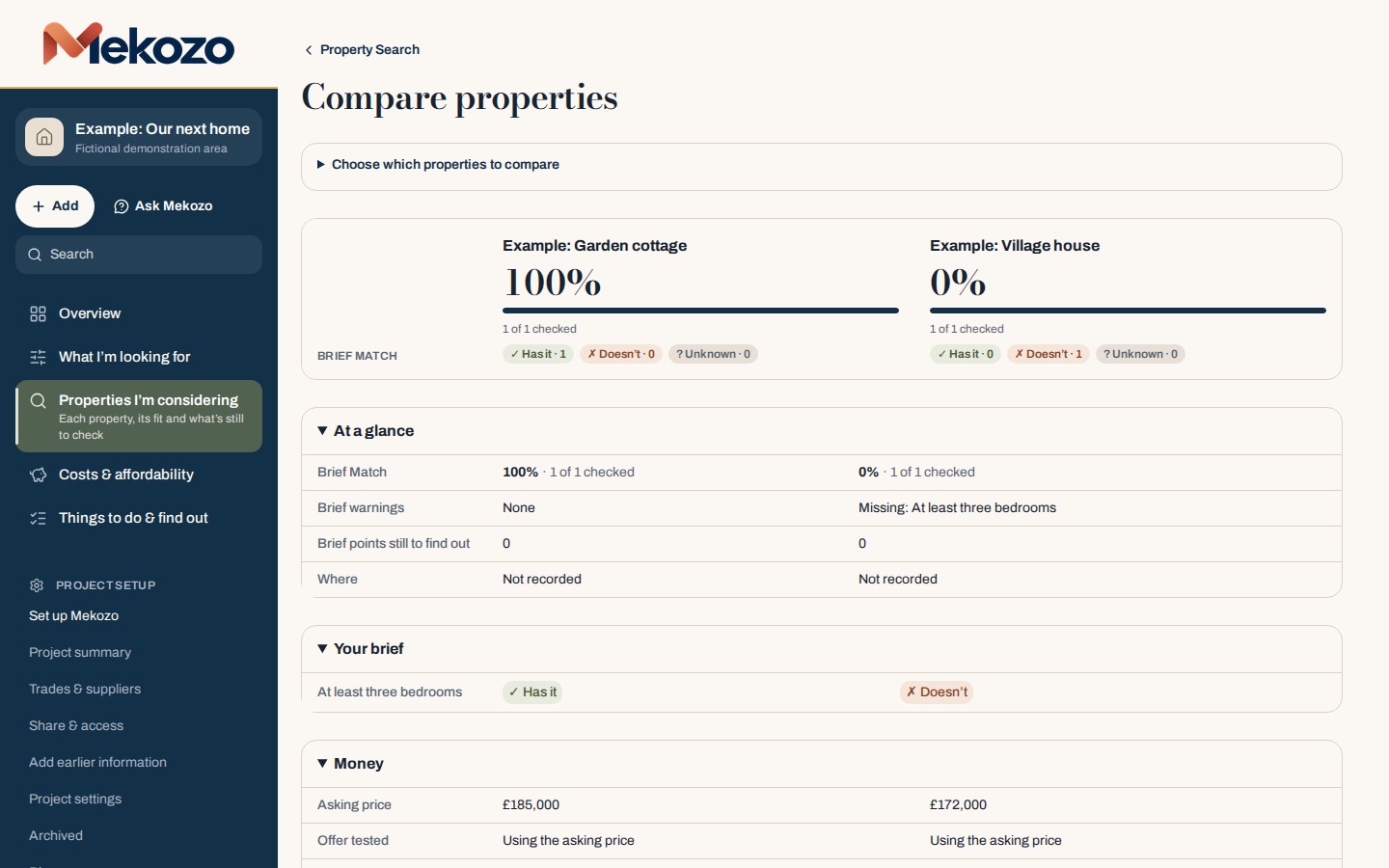
Mekozo compares the homes you are considering side by side against your Property Brief, showing which points each one meets, which it misses, and its price.
Works on any device. Phone at the viewing, computer at home.
It carries on after you choose. The home you buy keeps its costs, documents and notes for the buying stage.
It works where you are buying. Buying steps, costs and currency differ by country.
Watch out
A tool that only saves listings is a bookmark list, not a system. The value is in your own notes, scores and costs, so check you can export or keep them.
Check these before you view
Some facts are easy to look up before you spend a Saturday on a viewing. Record them against the home so they are there when you compare.
Energy rating and the date of the certificate
Flood risk for the area
What similar homes nearby have sold for
Tenure: freehold or leasehold, and any service charge
Council tax band
Journey times to work, school and family
In the UK
On GOV.UK you can find an existing energy certificate for a property in England, Wales or Northern Ireland, by postcode, street or certificate number; Scotland has a separate register. You can check the long term flood risk for an area in England from rivers and the sea, surface water, reservoirs and groundwater, though GOV.UK says the service does not tell you how likely an individual property is to flood. HM Land Registry publishes Price Paid Data, the sale prices of properties in England and Wales submitted to it for registration. Other countries have their own sources; check the official ones where you are buying.
What to record at each viewing
For the full journey from first search to offer, see our house hunting checklist. The HomeOwners Alliance viewing checklist suggests viewing a home two or three times, at different times of day, so give each visit its own row. For each viewing itself, tick these off:
Home added to your list before the viewing, with price and link
Pre-viewing checks recorded
Notes and photos taken room by room on the day
Each must-have scored the same day
Red flags listed for a survey or a second viewing
Questions sent to the agent, answers recorded
Full cost updated: buying costs, work and running costs
Status updated: shortlist, second viewing, ruled out or offer
Reason written down if ruled out
On the Operation Sicily villa
From the villa in Sicily. Before Jonathan Smith, Mekozo's founder, bought his villa in western Sicily, he wrote down exactly what he was looking for: a detached house with a garden, at least two bedrooms, in a quiet spot near the sea, for under €100,000, that had been on the market a while and needed a complete renovation with room to add value. He searched an Italian property website, built a list of favourites, then spent three months travelling Sicily's coast and made more than 50 viewings. Two homes fell away late. A villa near Syracuse turned out, during negotiations, to have been built over an archaeological site that was left out of the documents, and a farmhouse outside Palermo had a hidden room in the cellar that was missing from every official plan; he walked away from both (Episode 8). Fifty viewings is a lot to hold in your head, and both near misses show why questions and answers belong with the home they relate to. Operation Sicily, where he films the renovation, has a guide to planning a property viewing trip to western Sicily that covers how to plan viewings abroad.
This guide explains a method for organising a house search. It is not legal, survey or financial advice.
Questions people ask
Should I use an app or a spreadsheet for house hunting?
Either works if it records the same things for every home: the full cost, how it meets your wish list, your viewing notes and photos, and the questions still open. A spreadsheet suits a short, simple search. A house hunting app tends to suit longer searches, viewings on a phone and buyers searching with a partner.
What should a house hunting spreadsheet include?
One row per property, with the address, link, asking price, estimated buying costs, size, your score against each must-have, viewing date, notes, photos, red flags and next step. Keep your wish list on its own tab so every home is scored against the same priorities.
What should I look for in a house hunting app?
Look for a tool that keeps a wish list, lets you take notes and photos at a viewing on your phone, compares homes side by side against your priorities and the full cost, lets a partner see the same list, and carries the home you choose into the buying stage.
How do I keep track of house viewings?
Add each home to your list before you go, with its price and link, then take notes and photos room by room on the day and mark each must-have as met, not met or unknown. Record the red flags, the questions for the agent and their answers, update the full cost, and write down why if you rule the home out.
What can I check about a home before a viewing in England?
On GOV.UK you can find an existing energy performance certificate for a home in England, Wales or Northern Ireland, check the long term flood risk for an area in England, and HM Land Registry publishes the sale prices of properties in England and Wales.
Jonathan Smith is the founder of Mekozo and Operation Sicily. Jonathan bought an abandoned villa in Sicily and is rebuilding it on camera, every week. Mekozo is the app Jonathan built to keep that renovation's money in one picture.
The questions that matter across the whole purchase, from the first viewing to the binding contract, grouped by who can answer them, with a checklist you can reuse for every house.
Old houses are built differently from modern ones. What to check element by element, which permissions to confirm, the survey to ask for and how to turn what you find into a budget before you offer.
A 1 euro house in Italy comes with a deposit, a notary, taxes on the deed, design and permits, and a renovation with a deadline. Every cost heading, a method to budget one, and the official sources to check.