Home maintenance app or spreadsheet: how to keep track
A spreadsheet and a home maintenance app can both keep track of your house, if they record the right things. Here is what to track, a spreadsheet layout to copy, what a good app should do, and how to choose.
A home maintenance app and a spreadsheet do the same core job: list each recurring task, when it was last done and when it is next due, and keep a record of the work.
A spreadsheet suits a simple home and one person who likes to set things up; an app tends to suit households that share the job and want documents and photos kept with each record.
A useful home maintenance spreadsheet has three tabs: the schedule, the log of work done, and the items in the home with their warranties.
Whichever you choose, record the date, who did the job, the cost, what was found and the paperwork, even when nothing was wrong.
Keep planned maintenance separate from work that is finished, so the record shows what really happened.
A home maintenance app and a spreadsheet both keep track of your house if they record the same things: each recurring job, how often it comes round, when it was last done and when it is next due, plus a log of work with dates, costs and paperwork. A spreadsheet suits a simple home; an app suits shared households and attached documents.
This guide sets out what to track, gives you a spreadsheet layout to copy, explains what to look for in a home maintenance app, and helps you choose honestly between the two.
Why home maintenance needs a system
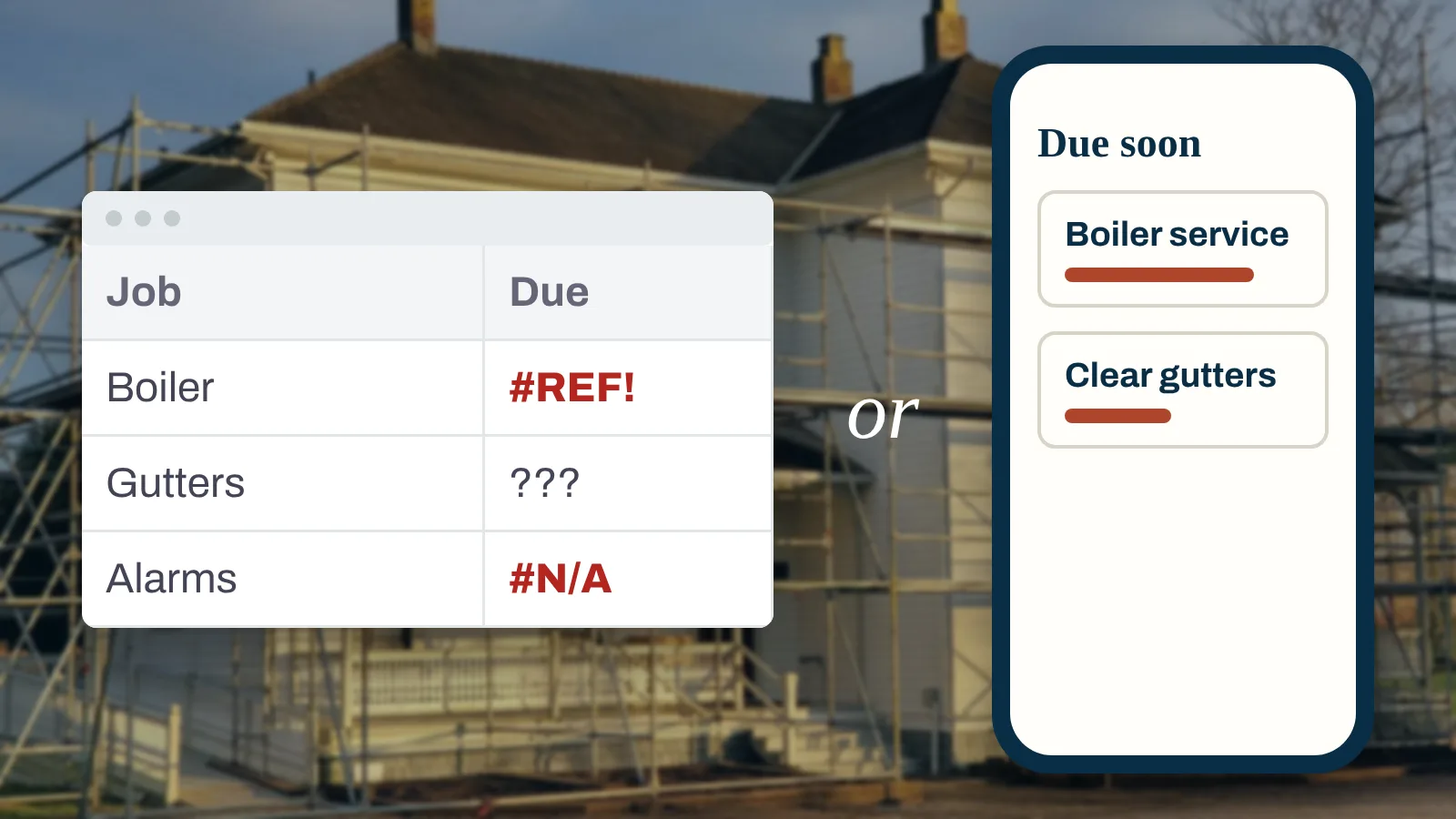
Most maintenance jobs are small. The trouble is remembering them. Was the boiler serviced last autumn or the one before? Who cleared the gutters, and what did they charge? Where is the certificate from the electrician?
A system fixes three problems:
Forgetting. A job with a frequency and a due date gets done. A job in your head does not.
Losing the history. When something goes wrong, the first questions are when it was last checked, by whom and what they found.
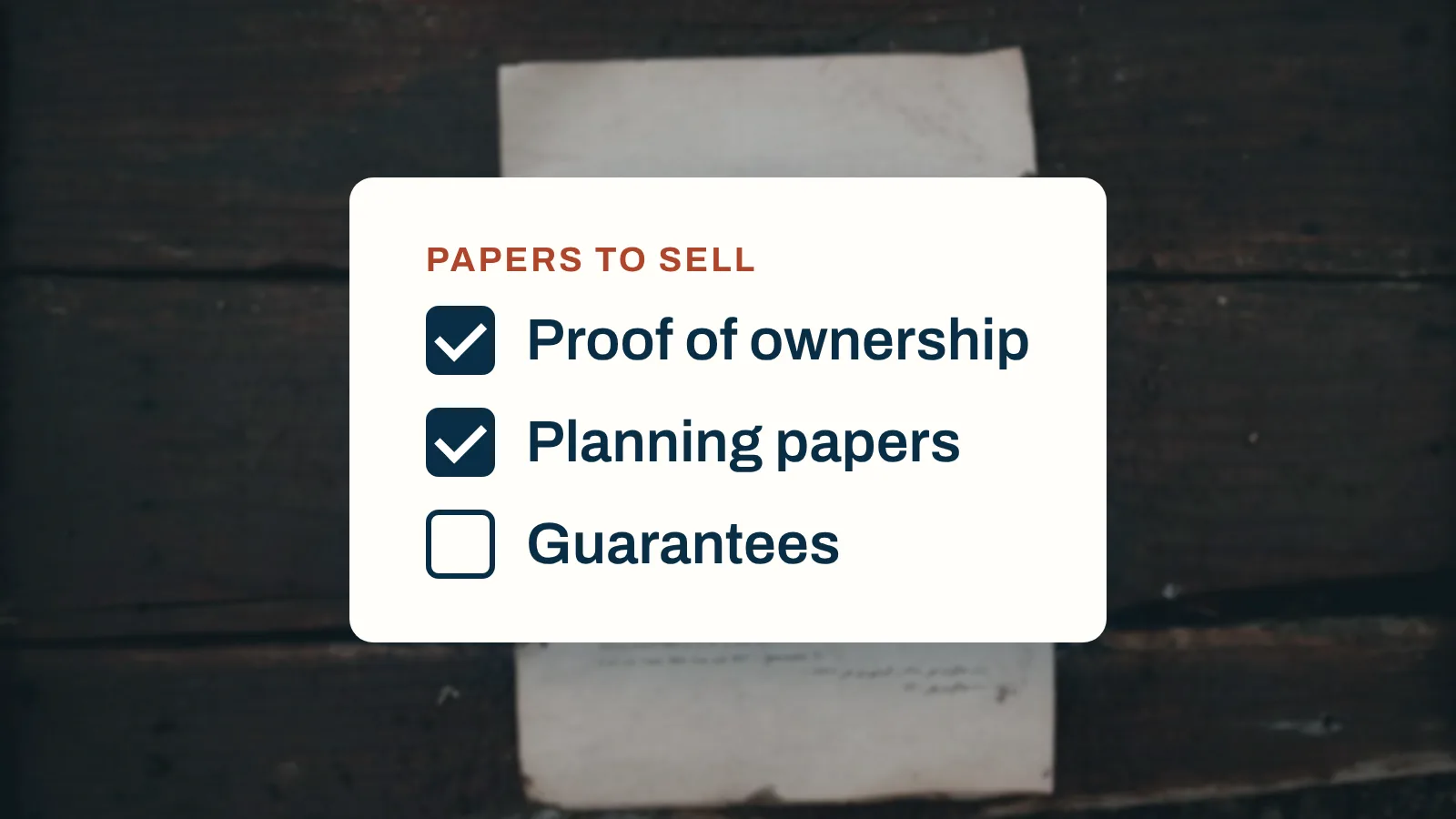
Losing the paperwork. Warranty claims and sales both need proof. Citizens Advice says a warranty claim usually needs proof of purchase, details of the problem and a copy of the warranty (Citizens Advice).
Whatever you use, it has to hold three things: a schedule of what is due, a log of what was done, and the items in the home with their warranties and manuals.
What to track, whichever you choose
Track
Example
Why
The job
Gas safety check and service
So it is clear what was done
How often
Every year
Sets the next due date
Last done
14 October 2026
Shows whether it is overdue
Next due
October 2027
The date you act on
Who did it
Engineer's name and company
Who to call again
Cost
Including call-out and parts
Feeds next year's budget
What was found
"Pressure low, topped up"
Spots repeat problems
Paperwork
Certificate, receipt, photos
Proof for claims and sales
Room or system
Utility room, heating
Where to look it up
The intervals come from guidance, not guesswork. Gas Safe Register recommends an annual safety check and service for any gas appliance unless the manufacturer says otherwise (Gas Safe Register). Electrical Safety First recommends an electrical inspection every 10 years for an owner-occupied home and every 5 years for a rented one (Electrical Safety First). Historic England's maintenance checklist advises clearing gutters and downpipes at least every autumn. Our home maintenance checklist puts the full schedule on one page.
In the UK
Intervals for rented homes differ from owner-occupied ones, and the rules in other countries differ again. Check the official guidance where your home is before you set a frequency.
Home maintenance spreadsheet: a layout to copy
A good spreadsheet has three tabs. Keep them simple; a sheet you update beats a clever sheet you abandon.
Tab 1: Schedule
One row per recurring job.
Job
Room or system
Every
Last done
Next due
Who
Test smoke alarms
Whole house
Month
2 Nov
2 Dec
You
Clear gutters
Roof
Autumn
10 Nov
Nov next year
Gutter cleaner
Gas safety check and service
Heating
Year
14 Oct
Oct next year
Gas Safe engineer
Electrical inspection
Electrics
10 years
2021
2031
Registered electrician
Add a formula so "Next due" works itself out from "Last done" and "Every", and use conditional formatting to colour anything overdue.
Tab 2: Log
One row per job done, never overwritten: date, job, who, cost and a link to the paperwork.
One row per installed or expensive item: boiler, oven, hob, dishwasher, washing machine, roof, windows. Record the model and serial number, the date fitted, the installer, the warranty end date and a link to the manual. Our guide to organising appliance manuals and warranties covers what to keep for each.
Tip
Store the paperwork in one folder with a sub-folder for each room or system, and paste the link to each file into the log. A spreadsheet row without its certificate is only half a record.
Where a spreadsheet works well, and where it struggles
A spreadsheet is free, flexible and familiar. It is a good choice when:
the home is fairly simple, with a short list of recurring jobs
one person looks after the maintenance and likes setting things up
you are happy to keep documents in a separate folder and link to them
It tends to struggle when:
several people share the job. Two copies of a file drift apart, and not everyone likes editing a sheet.
you want the paperwork with the record. Links break when files move, and receipts and photos end up somewhere else.
years of history build up. A long log is hard to read on a phone when the engineer asks when the boiler was last serviced.
a project starts. A repair that becomes a renovation needs quotes, payments and receipts that a maintenance sheet was not built for.
What to look for in a home maintenance app
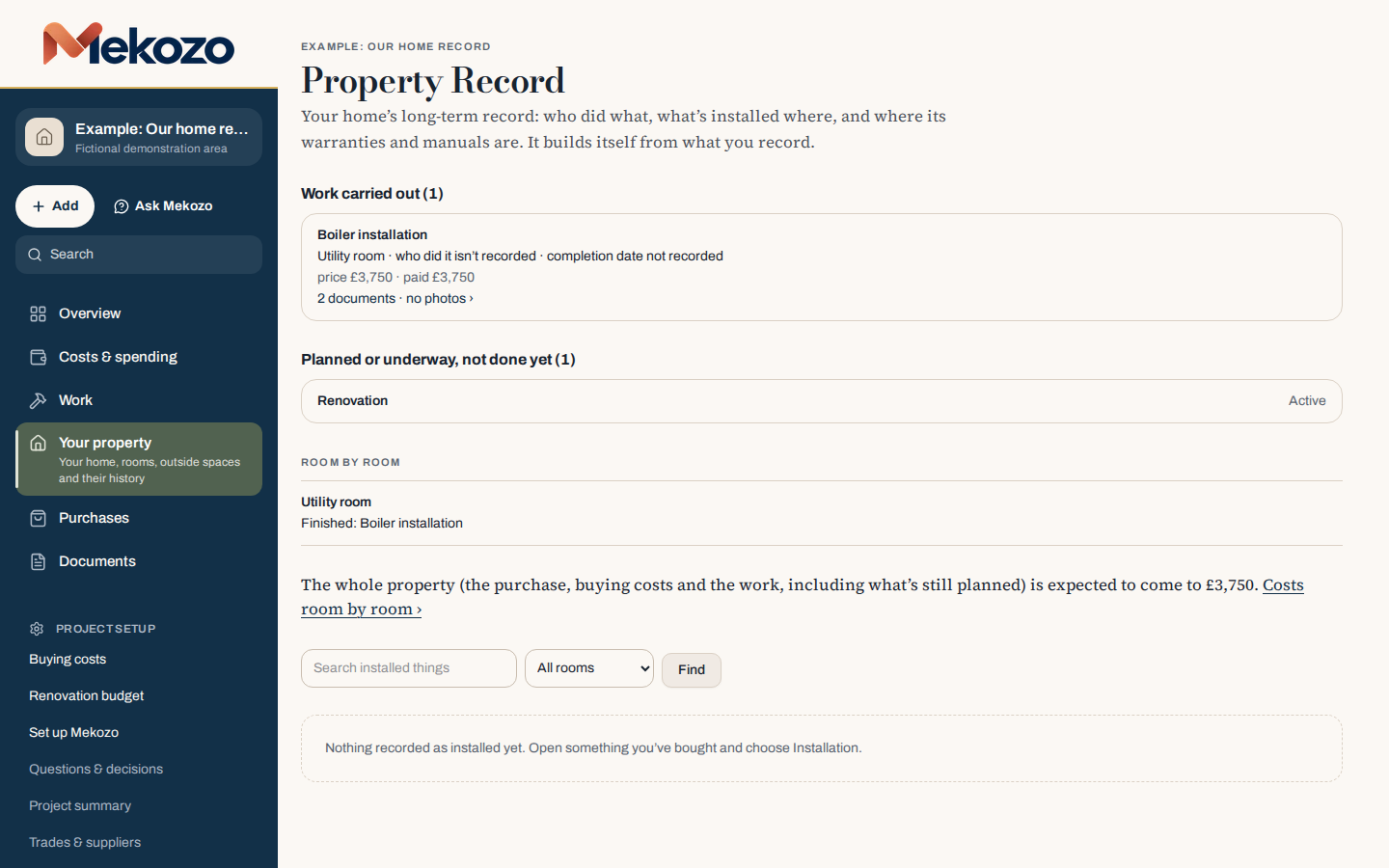
Mekozo's Property Record lists the work carried out, such as a boiler installation, with its room, what it cost and its documents, and keeps planned work separate from work that is done.
If you choose an app, judge it on the job, not the list of features. A good home maintenance app should:
Keep a record of work done with the date, who did it, the cost and what was found.
Keep planned jobs apart from finished ones, so the history shows what really happened.
Store the paperwork with the record: certificates, receipts, warranties, manuals and photos, filed with the room or item they belong to.
Let the household share it, so a partner or family member can see the same record without asking.
Grow into a project when needed, with quotes, budgets and payments, so the record carries on through the next renovation.
Keep your data when you stop paying. Check what happens to your records if you cancel.
Watch out
A home management app is only as good as what goes into it. Whatever you choose, test it by adding one real job, such as last year's boiler service with its certificate, before you commit.
How Mekozo keeps the record
Mekozo keeps your home maintenance records in a Property Record. Each piece of work shows what was done, by whom, when and for how much, filed by room, with planned work kept separate from work that is finished. Warranties, with their dates and references, and manuals sit with the item they cover, and receipts, invoices, certificates and photos are filed with the job. Partners and helpers join free, so everyone who looks after the home sees the same history. You can ask Mekozo a question about your home, such as when the boiler was installed; its answers can be wrong, so check the record.
Mekozo keeps the record, not your calendar. If you want a reminder for each due date, add it to the calendar you already use.
Warranties, manuals, receipts and photos for many items
How complex is the home?
Few systems, few jobs
Many systems, outbuildings or a second home
Is a project coming?
No
Yes: a repair, refit or renovation
How do you like to work?
Building your own sheet
Filling in a ready-made record
There is no wrong answer. Many people start with a spreadsheet and move when the paperwork or the household outgrows it. If you do, keep the old file with the new record so the history is not lost.
Keep it going: the five-minute habit
Neither tool works if it is not updated. Spend five minutes each time:
A job is done: log the date, who, the cost and what was found
A certificate or receipt arrives: file it with the job
A new appliance is fitted: add it with its manual and warranty
A repair is found during a check: give it its own line, price and date
From the villa in Sicily. The first day at the villa that Mekozo's founder, Jonathan Smith, is renovating for Operation Sicily was a maintenance list in its simplest form. There was no power supply and no mains connection, so the first weeks were by daylight and head torch, and day one went on making sure every door, window and roller blind opened, closed and locked. A new euro cylinder lock went on the kitchen door, a seized back door lock with no key had to be cut off with an angle grinder, and the front gate got a new padlock and chain (Episode 2). Every one of those jobs is a line worth keeping: what was done, when, and what it replaced.
This guide explains ways to keep maintenance records. It is not professional advice; have gas, electrical and structural work done and checked by a qualified professional.
Questions people ask
Is there an app to keep track of home maintenance?
Yes. Home maintenance apps keep a list of recurring jobs and a record of work done, often with space for warranties, manuals, receipts and photos. Look for one that keeps each record with the room or item it belongs to and lets everyone who looks after the home see the same history.
How do I keep track of home maintenance?
Make a schedule of recurring jobs with how often each comes round, then log every job when it is done: the date, who did it, the cost, what was found and the paperwork. Keep the record by room and by system, so you can find the boiler's history in seconds. A spreadsheet or an app can both do this.
Can I use a spreadsheet for home maintenance?
Yes. A spreadsheet with a schedule tab, a log tab and an items tab works well for many homes. Its limits show when several people need to update it, when you want receipts and photos attached to each job, or when the file grows over years and gets hard to read on a phone.
What should a home maintenance app do?
It should hold a schedule of recurring jobs, keep a log of work done with dates, costs and who did it, store warranties, manuals, receipts and photos with the item they belong to, and let a partner or family member share the record. It should also keep planned jobs apart from finished ones.
How often should home maintenance be done?
It depends on the job. UK guidance includes testing smoke alarms monthly, clearing gutters at least every autumn, an annual safety check and service for gas appliances, and an electrical inspection every 10 years for an owner-occupied home. Our home maintenance checklist sets out the full schedule.
Jonathan Smith is the founder of Mekozo and Operation Sicily. Jonathan bought an abandoned villa in Sicily and is rebuilding it on camera, every week. Mekozo is the app Jonathan built to keep that renovation's money in one picture.
The documents you need to sell a house, from proof of ownership and the energy certificate to the certificates, guarantees and records of work that answer a buyer's questions, with country rules in labelled boxes.
A step by step method for tracing the history of your house, from the title register and old maps to census returns, local archives and planning files, and a way to keep what you find.
There is no single register of build dates, so finding out when your house was built means piecing together paperwork, records, maps and the building itself. Ten places to look, in order.