Planning a renovation
What a good builder's quote includes, line by line
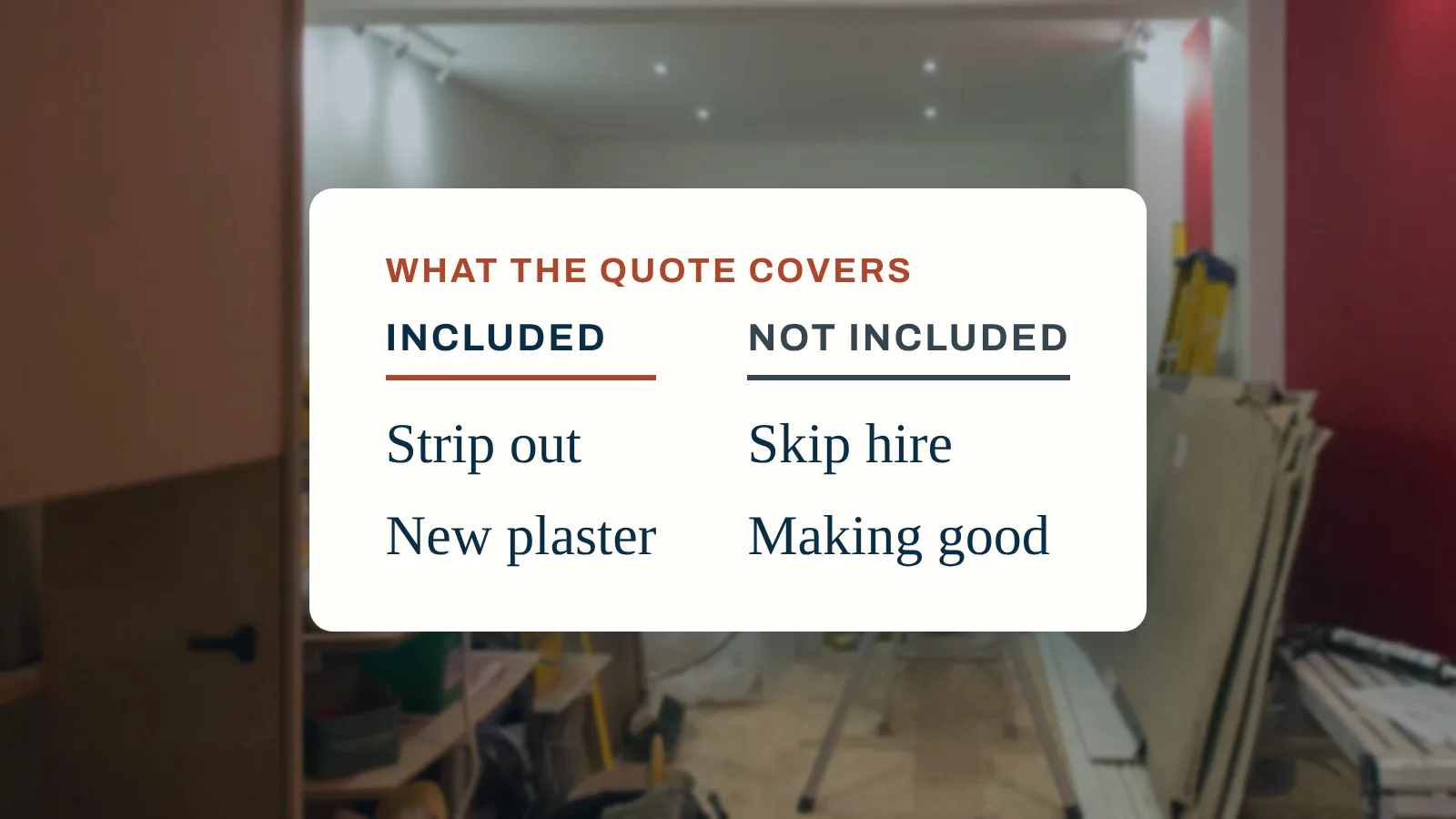
What a good builder's quote includes, what to ask every builder to send back, and how to compare quotes like for like rather than by the total.


AI can help you plan a renovation, read a quote, explain a figure and test a what-if. It cannot see your house, price your job reliably or replace a surveyor, builder or registered engineer. How to use it well, and how to check what it tells you.
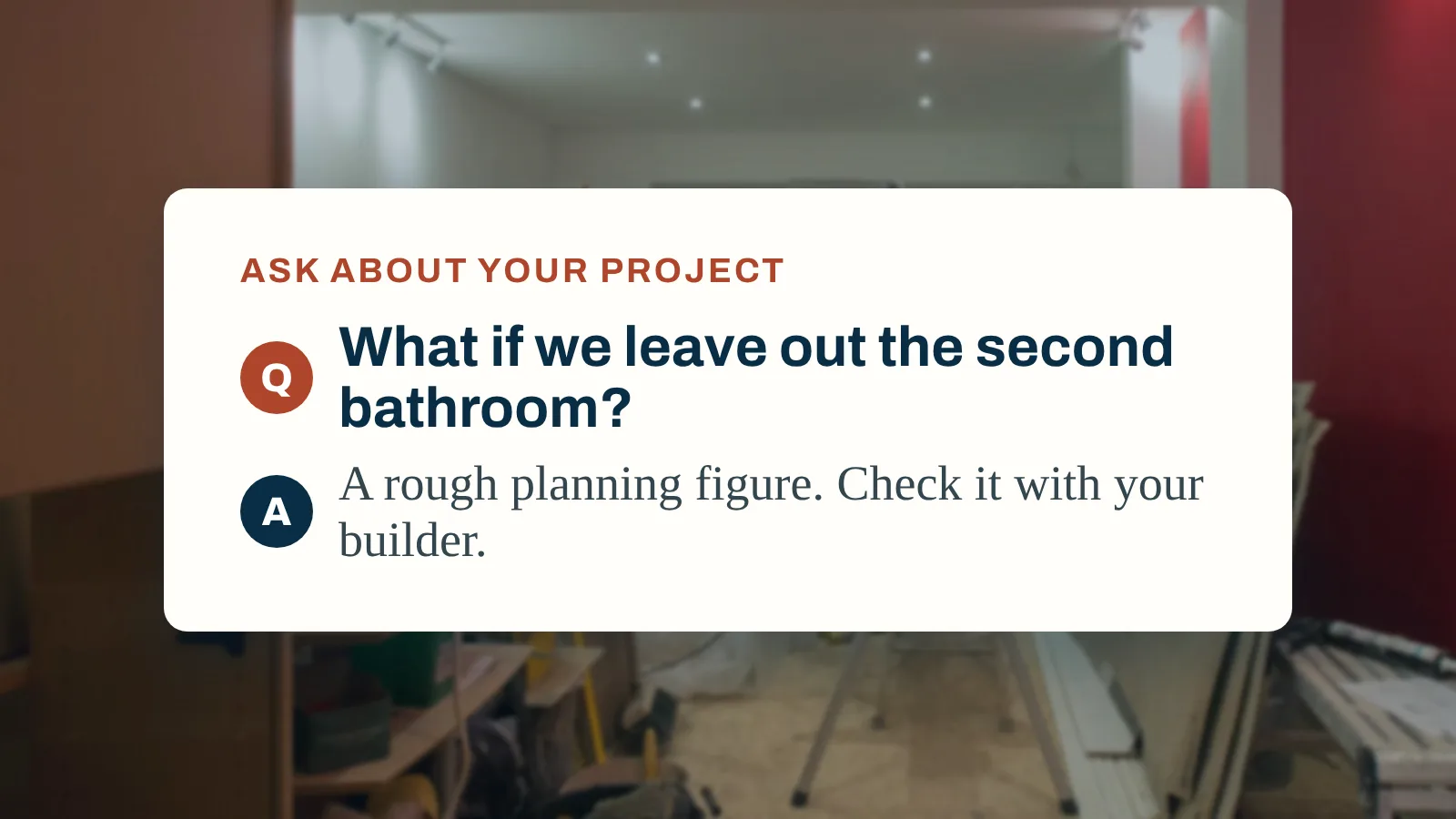
AI can help a home renovation with the planning and the paperwork: turning ideas into a scope, drafting questions for builders, reading quotes, explaining figures and testing what-ifs. It cannot see your house, find hidden problems, give a price you can rely on or approve any work. Treat its figures as rough, check its rules, and get real quotes.
That is the honest summary. AI is a useful assistant for the thinking and organising that a renovation needs, and a poor substitute for the people who look at, price and sign off the work. This guide sets out where it helps, where it does not, and how to check what it tells you.
AI is good at words, structure and arithmetic on figures you give it. In a renovation, that makes it useful for:
| Job | How AI helps | What you still do |
|---|---|---|
| Turning ideas into a scope | Lists the jobs a project usually involves, room by room | Decide what is in and out, and confirm with a builder |
| Questions for builders | Drafts questions to ask before you hire | Ask them, and judge the answers |
| Reading quotes | Pulls out what is included, excluded and assumed | Check its reading against the document |
| Comparing quotes | Lines quotes up against your scope | Ask builders to fill the gaps in writing |
| Explaining figures | Explains why a budget line changed | Check the figures it used |
| Testing what-ifs | Shows the rough effect of dropping a room or changing a finish | Replace the rough figure with a quote |
| Sequencing | Suggests a sensible order of works | Agree the programme with your builder |
| Checklists | Drafts snagging or handover lists | Walk the house yourself |
The common thread: AI helps you prepare, so that conversations with builders, surveyors and suppliers are faster and clearer. Our guides to writing a scope of works and what a good builder quote includes show what that preparation should produce.
Tip
The more context you give, the more useful the answer. "Estimate a bathroom" gets a generic reply; "a 2 by 2.5 metre first floor bathroom, keeping the layout, replacing the suite and tiling floor to ceiling" gets a better one.
The limits matter more than the strengths, because they are where money is lost.
Watch out
AI tends to answer in a confident, finished tone even when it is guessing. Confidence is not accuracy. The more an answer matters, the more it needs checking.
Which? tested AI search tools on consumer questions in September 2025 and had the 228 responses reviewed by its experts, including members of its money and legal helplines (Which?, November 2025). It found inaccurate, unclear and risky advice that could prove costly if followed. One example is close to home: asked what your rights are if a builder does a bad job or keeps your deposit, one tool advised withholding money from the builder and did not suggest taking legal advice before going to the small claims court.
The same research found that about half of people now use AI to search online, that nearly half of those (47%) trusted what they received to a great or reasonable extent, and that a third of respondents (34%) believed AI draws on authoritative sources, which Which? found was not always the case. Its advice: define your question clearly, refine it if the answer is unclear, ask to see the sources and check them yourself.
In the UK
Whether you need planning permission or building regulations approval depends on the work and where you live. Check GOV.UK or ask your local authority's building control team before you start; do not rely on an AI answer for this.
The safest way to use AI in a budget is to keep its figures clearly separate from real ones. For every line, mark whether it is:
Our guide to setting a home renovation budget explains how to build the budget, and estimating the cost of renovating a house shows where published ranges help. Whatever the source of a figure, a renovation contingency is still needed for the things nobody can see yet.
Anything you type into an AI tool is sent to the company that runs the model. Before you paste in a quote, an invoice or a photo:
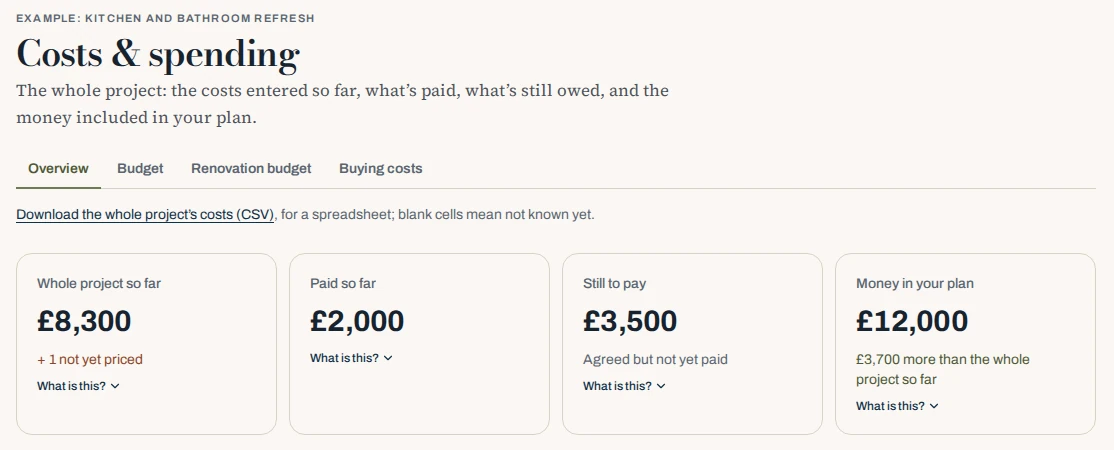
Ask Mekozo works from your own project's figures, such as these totals for the whole project, what is paid and what is still to pay: ask about them, have a figure explained, test a what-if or have a quote or invoice read, and treat every answer as a rough planning figure to check.
Try it free for 30 days, no card neededMekozo includes AI help that works from your own project. You can ask about your project, have a figure explained, test a what-if, such as dropping a room or choosing a different finish, and have a quote or invoice read so you can check what it includes.
To be plain about its limits:
The rest of Mekozo does not depend on the AI. Your renovation budget, quotes, payments, documents and photos are the figures and records you enter, and the renovation budget tracker keeps each line marked as an estimate, a quote, agreed or paid. See pricing for what Early Member includes.
On the Operation Sicily villa
From the villa in Sicily. The budgeting method Jonathan Smith, Mekozo's founder, filmed for his villa renovation on Operation Sicily shows what no AI answer can replace. His nine steps start with a structural survey, put must-haves before upgrades, keep labour, materials, and permits and fees as separate lines, and get three to five quotes, with a backup fund of 10 to 15% on top (Episode 14). The reason for that backup fund became clear when the old kitchen window came out: the concrete lintels above it had broken up, the rebar inside having rusted, expanded and cracked the concrete, so replacing them became a job of its own (Episode 59). Nobody, human or AI, could have priced that from a photo.
Playing loads YouTube’s external player.
Watch directly on YouTube ↗Write a short description of your project: the rooms, what you want to change and your total budget. Ask an AI to turn it into a list of jobs, then take that list to a builder and ask what is missing. For more on this stage, see our guide to turning ideas into a scope, quotes and a budget, see how Mekozo reads quotes and compares them line by line, and learn how to compare quotes on more than price.
This guide explains how to use AI tools carefully. It is not legal, survey or financial advice; for decisions about your home, use qualified professionals and official guidance.
Yes, for planning and paperwork. AI can turn your ideas into a list of jobs, suggest questions for builders, pull the details out of a quote, explain a figure and test a what-if. It cannot inspect your home, price it reliably or approve any work, so use it to prepare, then rely on surveys, quotes and qualified trades.
AI can give a rough planning figure, but it cannot see your house, local prices or hidden problems, so its estimates can be wrong. Use an AI figure to get a sense of scale or to compare options, then replace it with written quotes from builders before you commit any money.
Not on its own. Which? found AI tools giving inaccurate and risky consumer advice in its September 2025 tests. Rules on building regulations, planning and safety vary by country and change over time, so check any answer against the official guidance where your home is, or ask building control.
AI can help you pick out what a quote includes and excludes, and spot items that seem to be missing compared with your scope. It can misread a document, so check its reading against the quote itself, and ask the builder to confirm anything unclear in writing.
When you use the AI in Mekozo, your request is sent to Anthropic, which provides the AI model, to produce the answer. Mekozo's privacy policy explains how data is handled. Avoid putting anything into any AI tool that you would not be comfortable sharing.

Jonathan Smith is the founder of Mekozo and Operation Sicily. Jonathan bought an abandoned villa in Sicily and is rebuilding it on camera, every week. Mekozo is the app Jonathan built to keep that renovation's money in one picture.
Real renovation experience and regional guidance from Operation Sicily.
What a good builder's quote includes, what to ask every builder to send back, and how to compare quotes like for like rather than by the total.
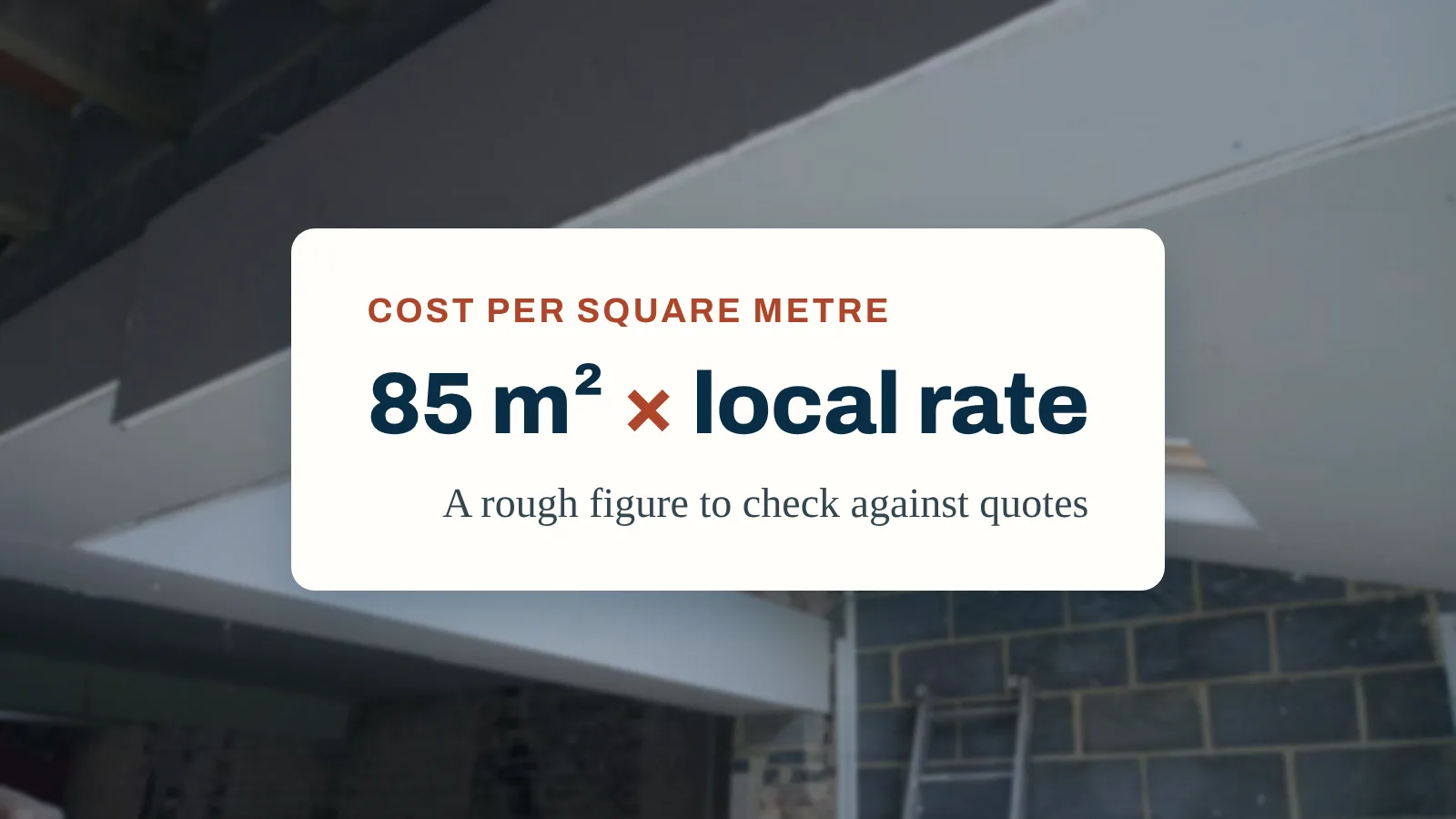
A cost per square metre is a quick first figure, not a budget. What published rates cover, how to measure the right area, the six ways a rate misleads, and how to turn it into a budget you can rely on.
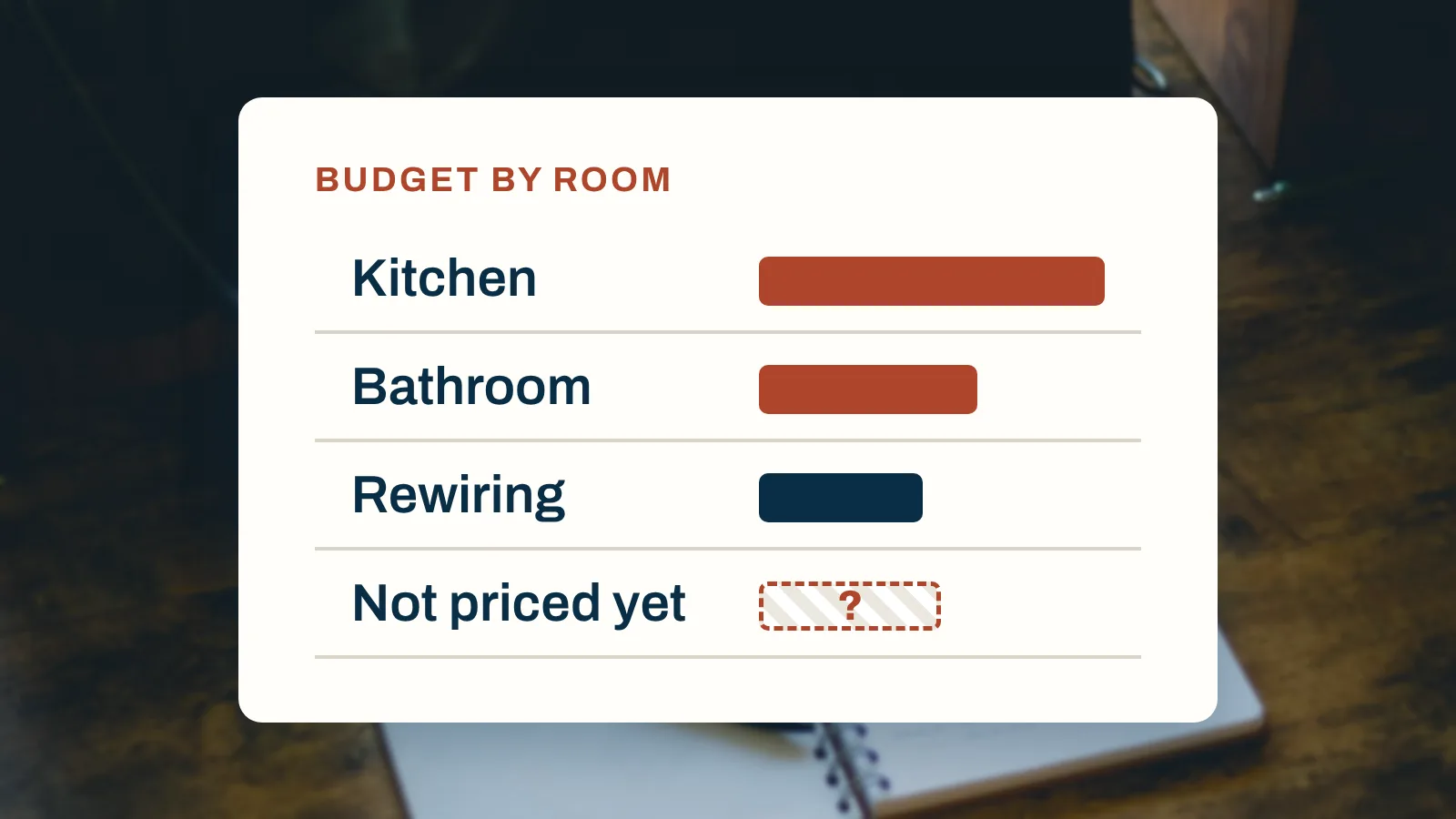
A home renovation budget is a spending limit, a scope and a list of every cost, with a contingency on top. Eight steps to set one, the lines people miss, and how to keep it honest once work starts.
Budgets, quotes, payments, documents and decisions in one place
30 days free. No card needed.
Monthly, with no annual plan. The Terms of membership set out the details.