Planning a renovation
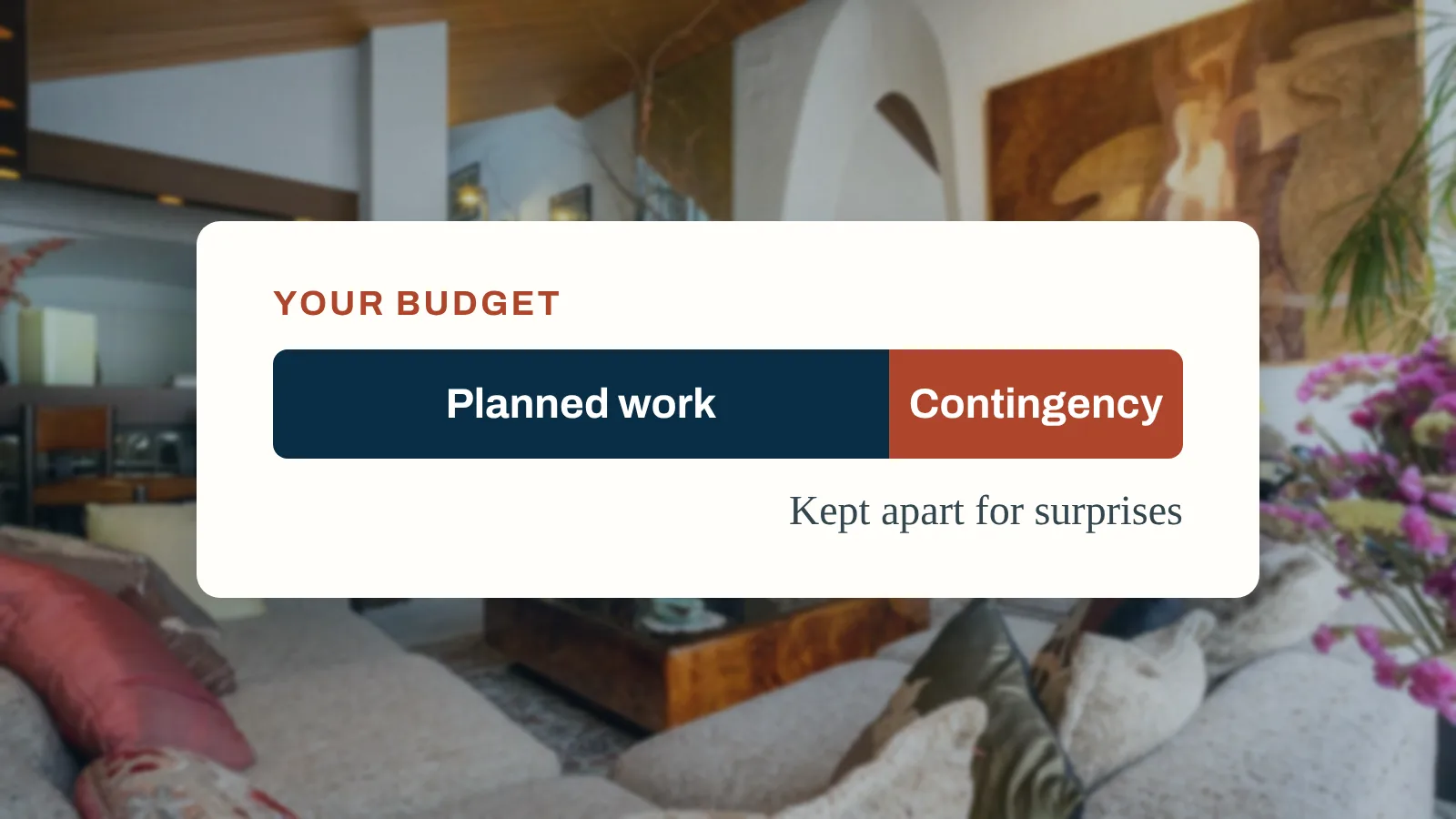
How much renovation contingency should you allow?
Size your renovation contingency from the real unknowns in your project, keep upgrades out of it, and watch what is left after every change.


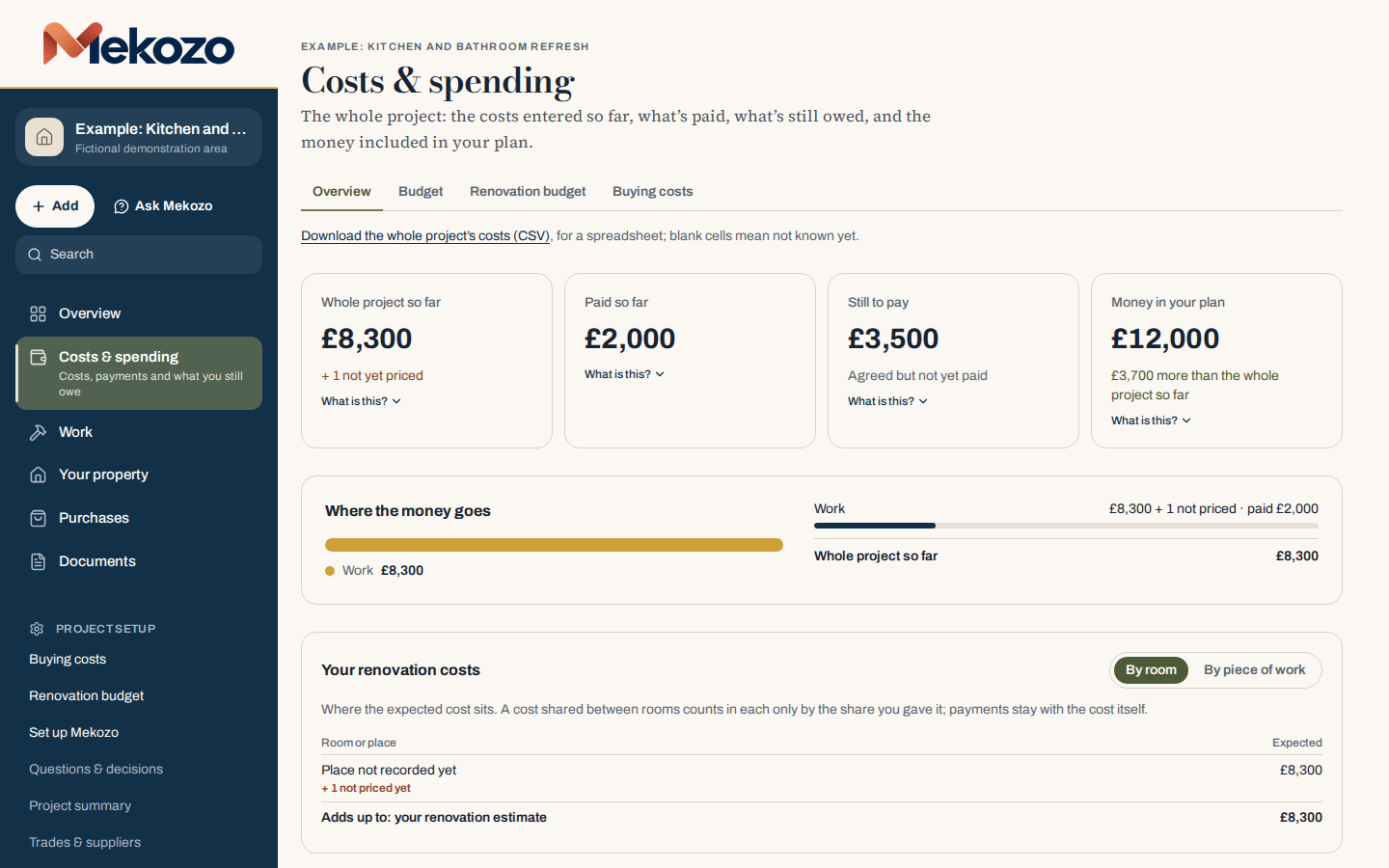
A renovation budget tracker should tell you three things at a glance: what you have committed to, what you have already paid and what is still to pay, plus anything with no price yet. Here is how to set one up, and how Mekozo does it for you.
30 days free. No card needed.
A renovation budget tracker is a record of every job and purchase in your project, with each one's cost at every stage: estimate, quote, agreed price, final cost and payments. Its job is to show where the money really stands before you agree to the next thing, not just what you have spent.
In the Houzz & Home Study 2026, 38% of UK homeowners who renovated in 2025 went over their initial budget, and 26% started without a budget at all. The overspend rarely comes from one big shock. It builds up from small gaps:
A good tracker makes each of these visible while you can still do something about it.
Every cost moves through stages, and mixing them up is where most budgets go wrong:
Still to pay is the agreed price or final cost minus what you have paid. Work with no price yet is not zero: until it is priced, your real total is higher than any number on the page. To see the stages in practice, read a real renovation cost breakdown from Operation Sicily, then work out your contingency with its calculator.
A spreadsheet works if you keep it up to date and follow the same five stages. It gets harder when quotes change, payments are split, one invoice covers several rooms or a partner needs to see the same numbers. Mekozo keeps every cost connected to its quotes, payments, receipts, rooms and decisions, shows what is still to pay without formulas, and flags work that has no price yet.
There is no single percentage that suits every project. Decide what your contingency is there to absorb (hidden conditions, undecided specifications, price changes) and keep planned upgrades out of it. Then watch how much remains after each new commitment. Read more about contingency.
There is no universal figure. It depends on the age and condition of the property, how complete your surveys are and how many decisions are still open. Ask your surveyor or builder what is genuinely uncertain, and size the allowance to that.
Committed is what you have agreed to spend. Paid is what you have handed over so far. On a project underway, the committed figure is usually much larger, and it is the one that tells you whether you can afford the next decision.
Yes. Each project has its own currency, so a renovation in Italy can run in euros. If you pay from a pound account, record the rate you were charged; Mekozo keeps it with the payment. It does not look up exchange rates.
Yes. Start with what you have agreed and what you have paid, then add current quotes and anything still unpriced. You do not need to rebuild every earlier decision.
No tool can know the fair price of every job. Mekozo helps you compare quotes against the same scope and see exclusions and payment stages side by side, so you can ask the right questions. Use how to compare quotes on more than price as a checklist.
A spreadsheet is a good tool, and many renovations are run on one. Here is what each does well, so you can choose.
| Task | A spreadsheet | Mekozo |
|---|---|---|
| Getting started | Opens on any computer; you design every column and formula yourself. | Starts from the costs you know; the money stages are already set up. |
| Estimated, agreed, paid and still to pay | Possible with separate columns, kept up to date by hand. | Kept apart for every cost, with totals that add up from what you record. |
| Quotes and what they include | A row per quote; the inclusions live in notes or another sheet. | Each quote with its inclusions, exclusions and timing, side by side. |
| Receipts, invoices and photos | Kept in a separate folder, linked by file name if at all. | Stored with the cost, room or piece of work they belong to. |
| Sharing with a partner or helper | Share the file; everyone can change any cell. | Invite them free; they work inside the project you share. |
| Flexibility | Anything you can build, any layout you like. | Built for property projects only; not a general spreadsheet. |
Size your renovation contingency from the real unknowns in your project, keep upgrades out of it, and watch what is left after every change.
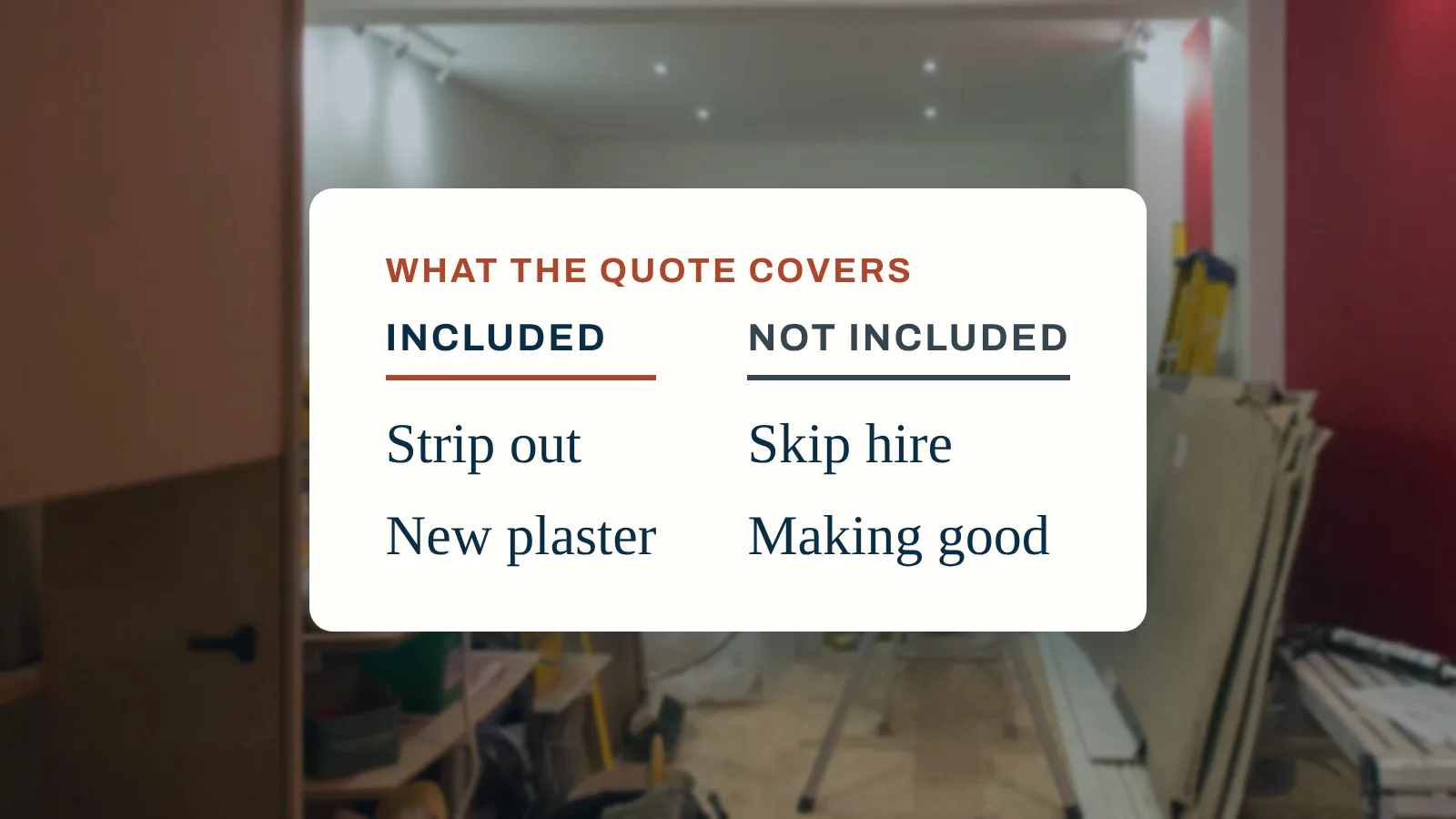
What a good builder's quote includes, what to ask every builder to send back, and how to compare quotes like for like rather than by the total.
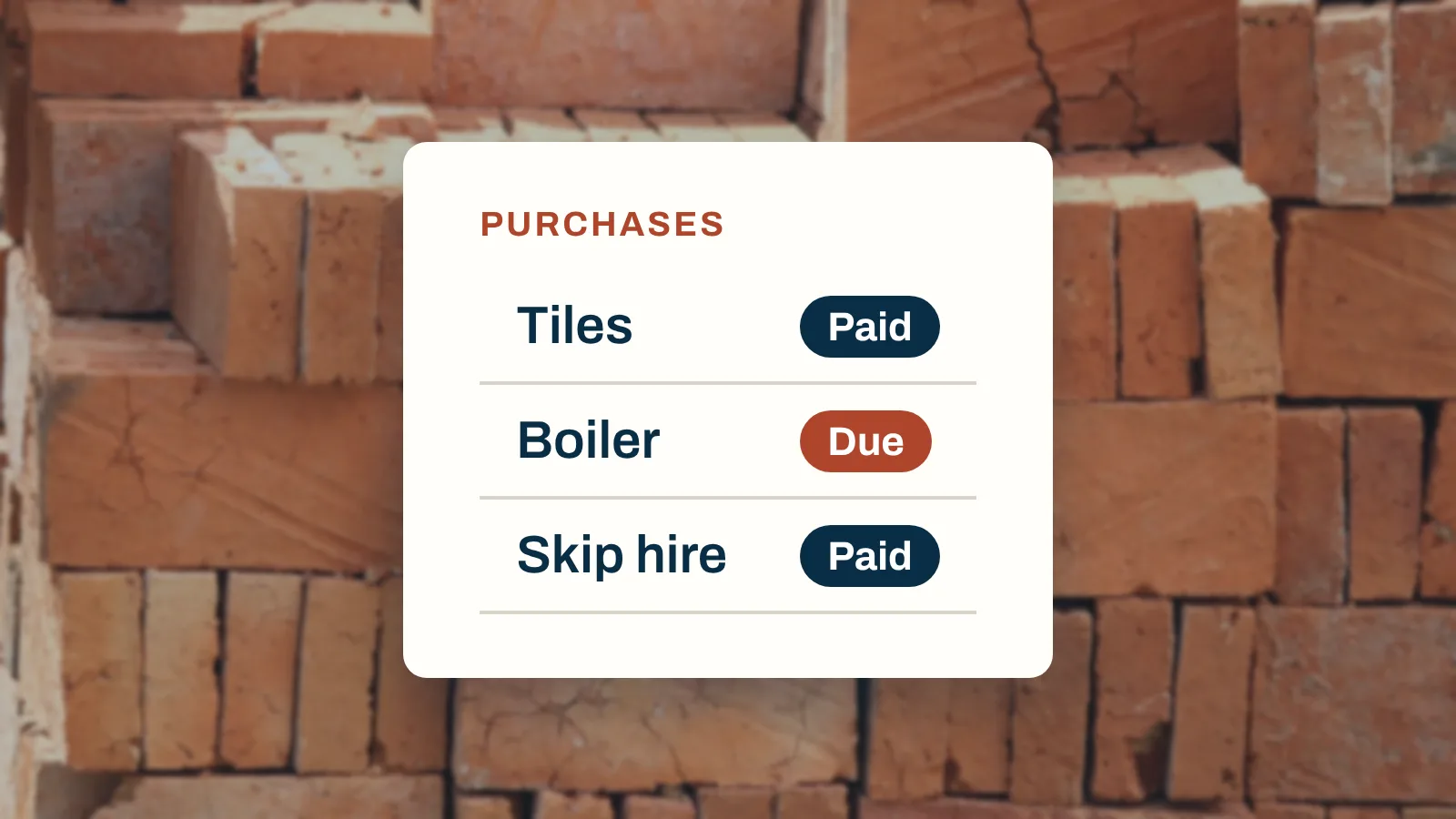
Agreed, invoiced, paid and delivered are four different facts. Here is how to track renovation spending so each one stays visible.
Budgets, quotes, payments, documents and decisions in one place
30 days free. No card needed.
Monthly, with no annual plan. The Terms of membership set out the details.