Renovation cost calculator: add up your own budget
A renovation cost calculator adds up your own figures: each room or job, the professional fees, VAT where it applies and a contingency. Enter your estimates below for a grand total and a breakdown, free and without signing up.
The calculator adds up your own estimates: rooms and jobs, fees, VAT where you choose and a contingency.
It does not suggest prices; use the cost guides for published figures with their sources, then replace estimates with written quotes.
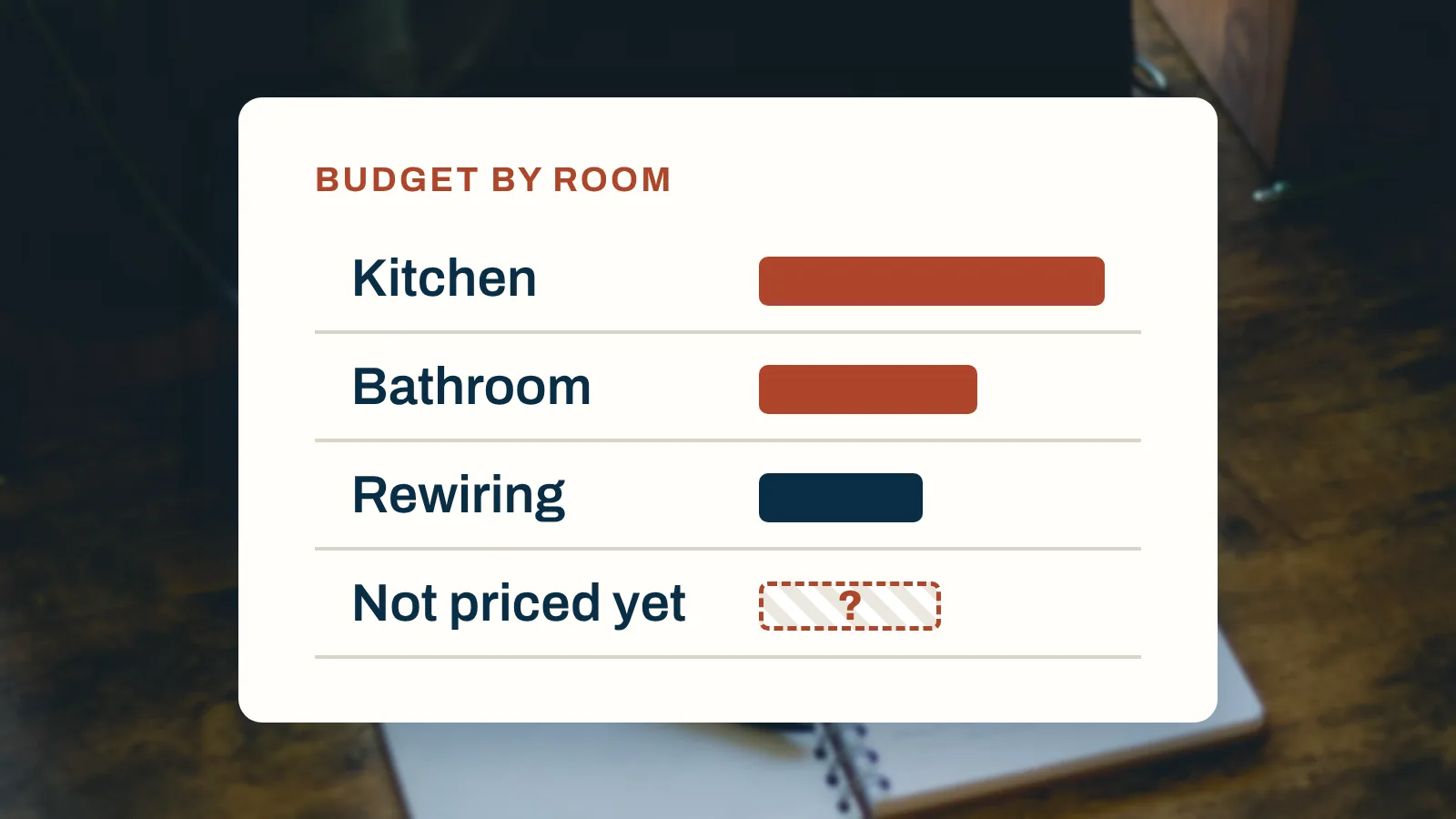
Leave a box empty if a job has no figure yet: it is listed under Not priced yet, so you can see what the total is missing.
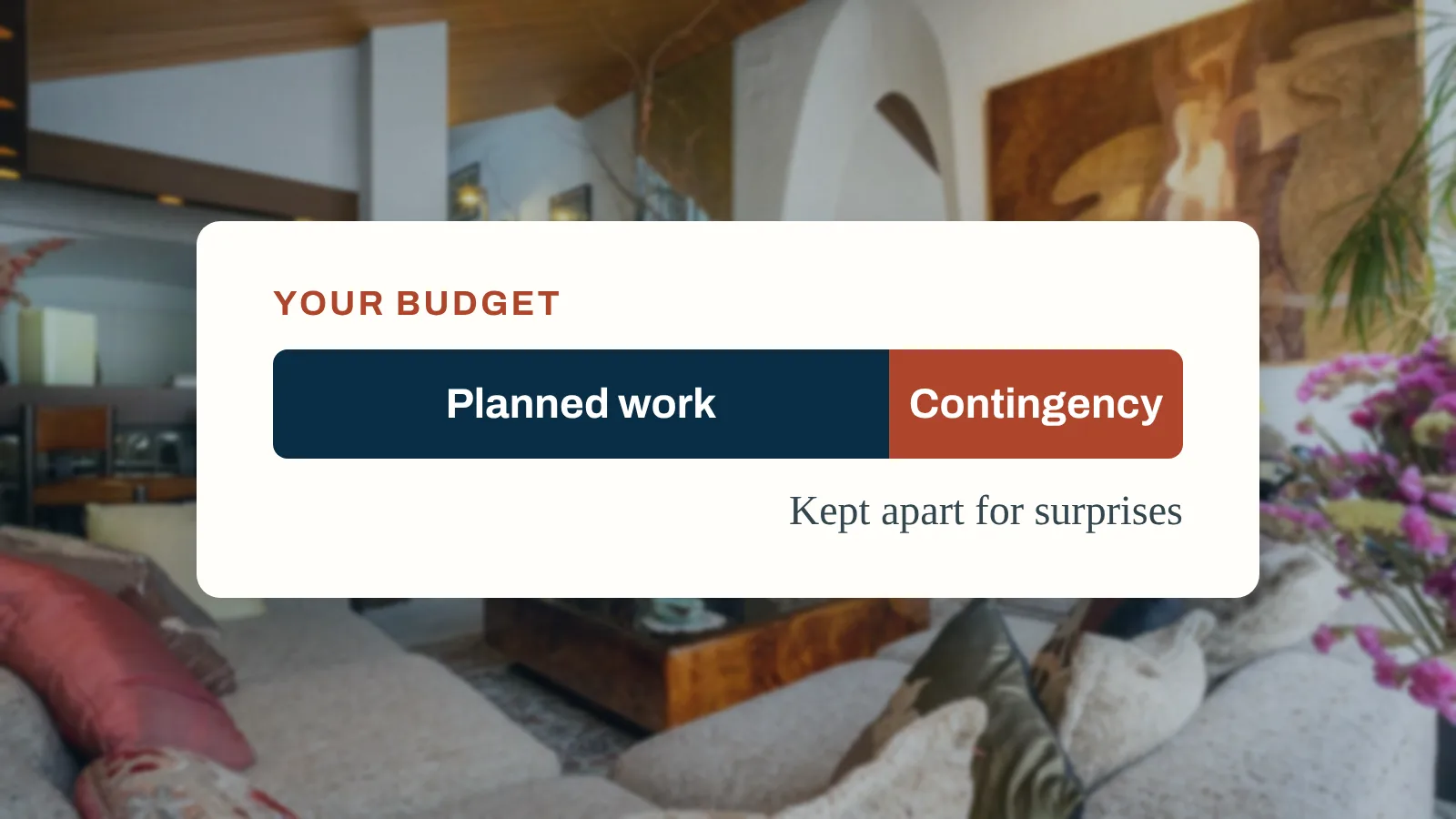
The contingency is worked out on the work, not on the fees, and starts at 15%, which you can change.
Your amounts stay on this page: they are not sent to us or saved.
What does a renovation cost calculator do?
A renovation cost calculator adds up the figures for your project: each room or job, the professional fees, VAT where it is not already included, and a contingency for the unexpected. It gives you a grand total and a breakdown, so you can see where the money goes before you ask for quotes or agree to anything.
This one uses your own numbers. It does not suggest prices, because what a job costs depends on your house, your area, the specification and who does the work. Put in your best estimate for each line, then replace it with a written quote when you have one. Your figures stay on this page and clear if you leave or reload it, so note them down before you go.
Free renovation budget calculator
Add up your renovation budget
Enter your own estimate for each job. The calculator adds them up with fees, VAT where you choose and a contingency. It does not suggest prices.Your amounts stay on this page: they are not sent to us or saved. They clear if you leave or reload the page, so note your figures first.
How to use the calculator
Add each room or job. Pick from the list, such as kitchen, bathroom, rewire, roof, windows, extension or decorating, or add your own.
Enter your estimate for each one. If you have no figure yet, leave the box empty: the calculator lists it under Not priced yet, so you can see what the total is missing.
Add the fees: survey, design and building control, plus any others your project needs, such as a structural engineer.
Tick "Add VAT" on any figure that does not include VAT already.
Set your contingency, then read the grand total and the breakdown.
Where your figures come from
The total is only as good as the figures you put in. A first estimate from your own research is a start; a builder's rough figure is better; a written quote against a written scope is what you can plan on. Citizens Advice suggests getting written quotes from at least 3 different traders before you decide, and explains what to check before you get building work done.
For published figures, with their sources, start with these guides:
Fees are easy to leave out because they are not part of any one room. The calculator lists three to start with: the survey, the design (an architect or designer) and building control. Add any others your project needs. GOV.UK explains when building work needs building regulations approval, and our list of hidden renovation costs covers the other lines that are often missed.
VAT: check what each figure includes
Some quotes include VAT and some do not. Ticking "Add VAT" adds it at the rate you set, which starts at 20%, the UK standard rate on most goods and services (GOV.UK). Some goods and services have a different rate. If you are not sure whether a figure includes VAT, ask whoever gave it to you.
How much contingency to allow
The contingency is money held back for things nobody could know in advance, such as what is behind a wall or under a floor. The Federation of Master Builders suggests at least 10% of the total project cost, and 15% or more for older homes or structural work; its renovation checklist gives a range of 10% to 20%. The calculator starts at 15% and works it out on the work, not on the fees. To size yours from the real unknowns in your project, read how much renovation contingency to allow.
After the total: plan it, then track it
A total is a starting point. When quotes arrive the figures change, and once work starts you need to know what is agreed, what is paid and what is still to pay. Our guide to planning a renovation sets out the order to plan in, and the renovation budget tracker shows how to keep every cost up to date.
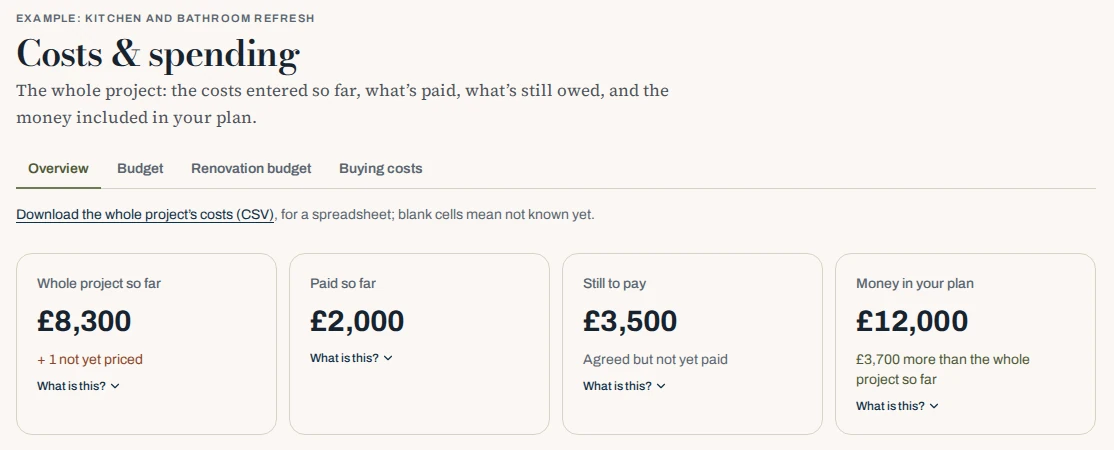
Mekozo keeps each line of your budget with its quotes, agreed price and payments, and flags anything with no price yet.
Yes. You can use it as often as you like without signing up. Your amounts stay on this page: they are not sent to us or saved, and they clear if you leave or reload the page. Note them down, or start a Mekozo project if you want to keep them.
Why does the calculator not suggest typical prices?
Because a typical price is rarely your price. The same job costs different amounts depending on the house, the area, the specification and who does the work. Our cost guides quote published figures with their sources; enter your own estimate or quote here.
Is the contingency worked out on the fees too?
No. The calculator works out the contingency on the work, including VAT where you added it. Fees are added as you enter them. If you want the contingency to cover fees as well, raise the percentage or add a line of your own.
Should I add VAT to my figures?
Only to figures that do not include it already. Some quotes show VAT separately and some include it, so check each one, and ask whoever gave you the figure if you are not sure.
Can I save my budget?
Not on this page, and your figures clear if you leave or reload it. To keep them, start your 30-day free trial of Mekozo, no card needed, and add the lines to a project. Each line can then hold its quotes, agreed price and payments.
Jonathan Smith is the founder of Mekozo and Operation Sicily. Jonathan bought an abandoned villa in Sicily and is rebuilding it on camera, every week. Mekozo is the app Jonathan built to keep that renovation's money in one picture.
Real renovation experience and regional guidance from Operation Sicily.
Free renovation scope planner
Get the free Renovation scope planner
A printable planner to scope your renovation room by room: the work, its priority, who does it and the quotes you need. Plus occasional emails from the renovation.
There is no honest single figure for renovating a house. Here is how to build your own estimate from the size, the depth of work and the finish, using named, dated figures for each job.
A home renovation budget is a spending limit, a scope and a list of every cost, with a contingency on top. Eight steps to set one, the lines people miss, and how to keep it honest once work starts.